Stream Cue — Offline Stream Scene Cards
A downloadable tool
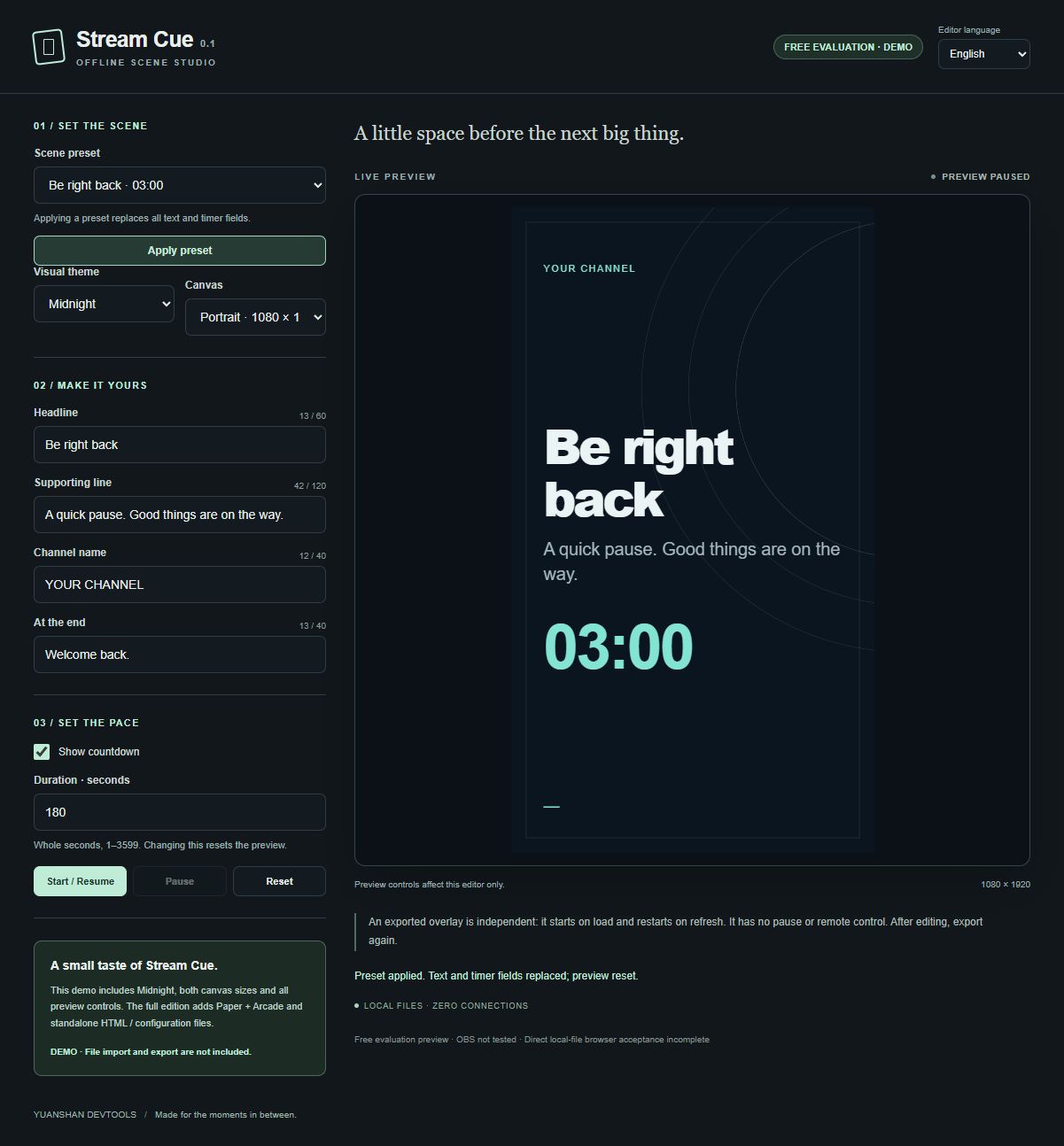
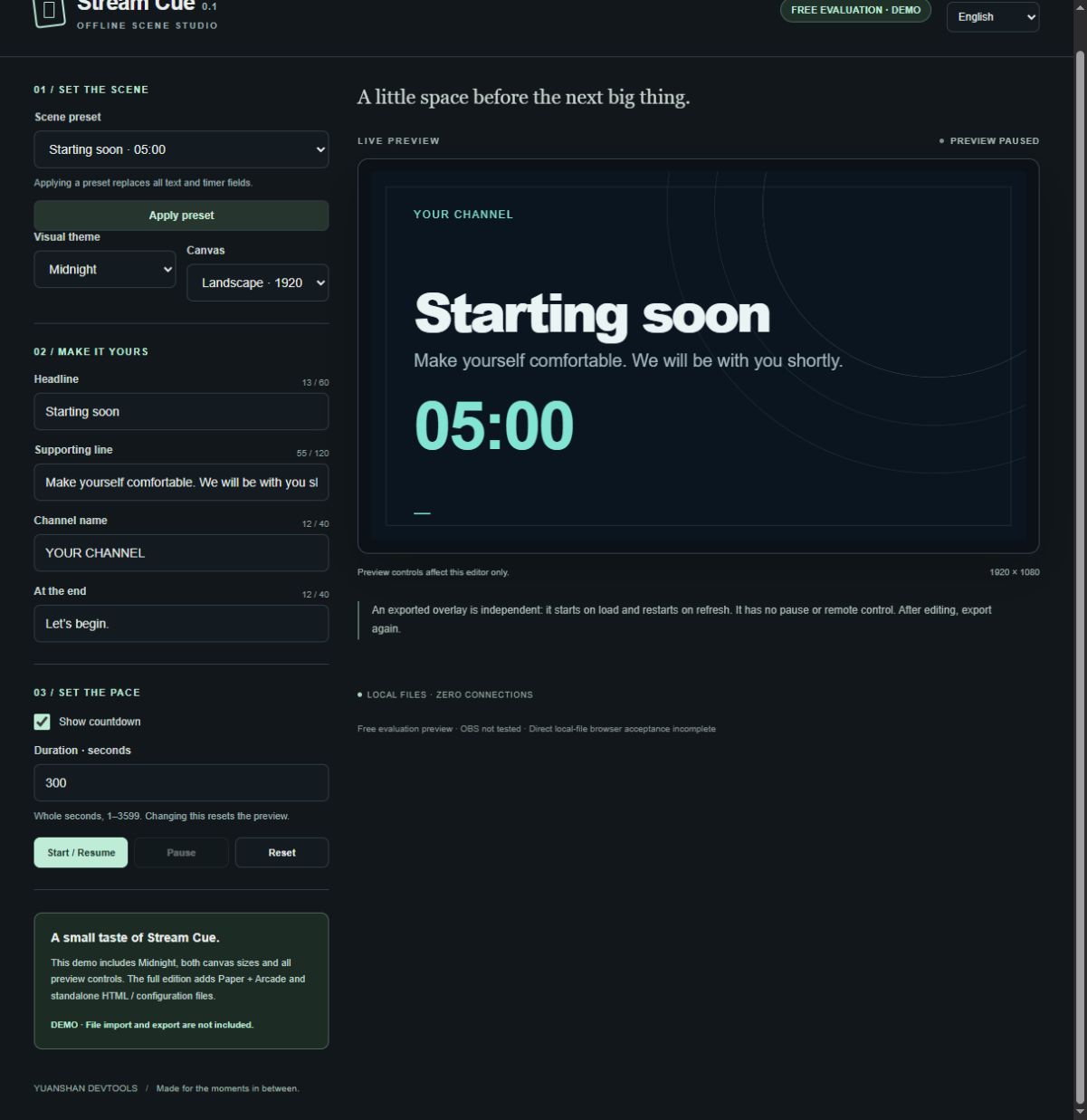
Create Starting Soon, Be Right Back, and end-of-stream cards with Stream Cue 0.1. Edit your text, preview a countdown, and export an HTML scene card for your own streams or recordings.
Full edition: US$5 minimum, paid once. No subscription. This purchase covers version 0.1 for one purchaser's personal or own-business use. A free, limited demo remains available to evaluate the editor.
Full edition
- Three CSS themes: Midnight, Paper, and Arcade.
- Landscape 1920 × 1080 and portrait 1080 × 1920 canvases.
- Starting Soon, Be Right Back, and Thanks for Watching presets; editable headline, supporting text, channel label, and timer-finished message.
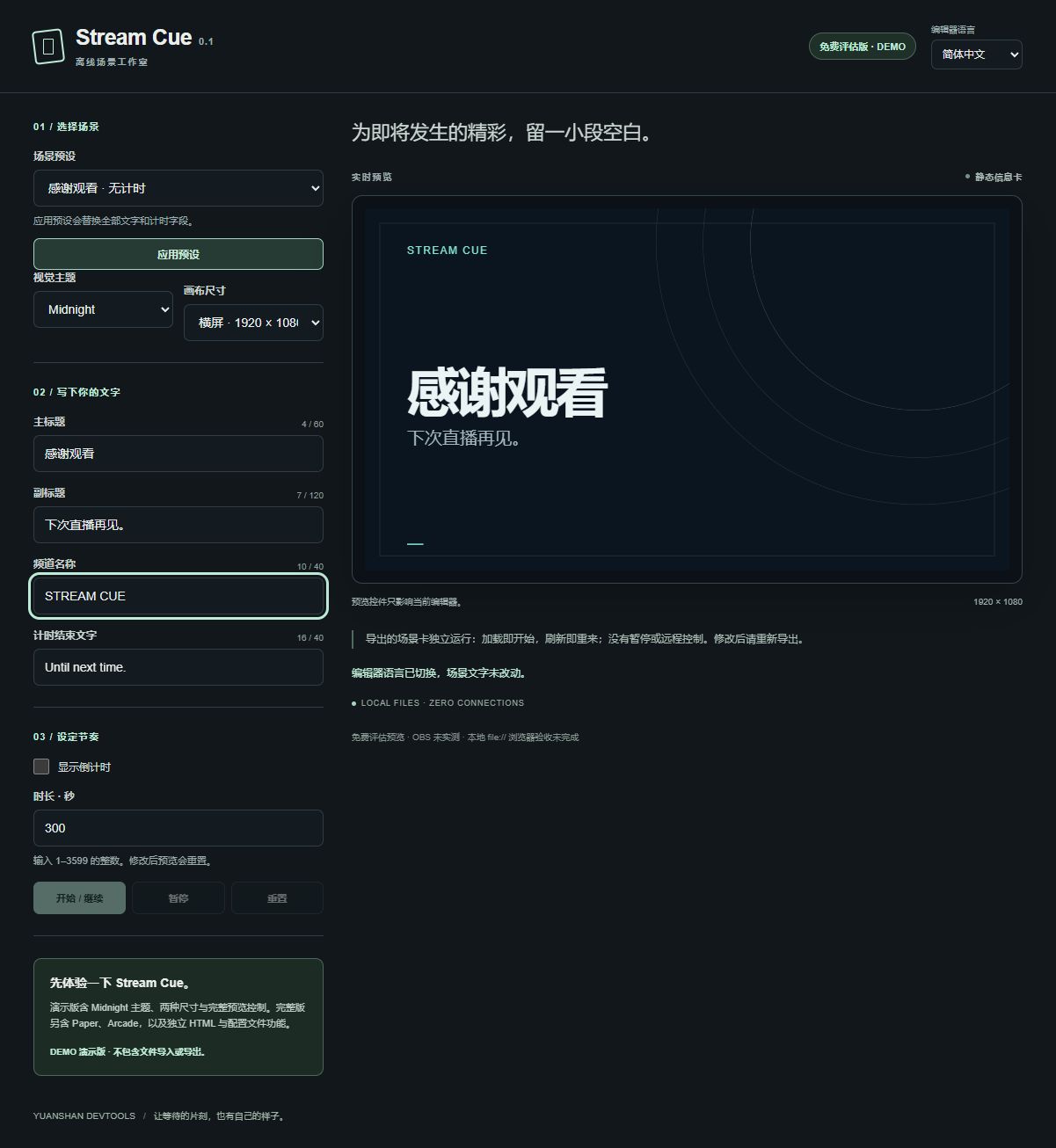
- A 1–3599 second countdown with Start, Pause, and Reset in the editor preview, or a static card with the timer hidden.
- Self-contained
stream-cue-overlay.htmlexport andstream-cue-config.jsonsave/load. - English and Simplified Chinese editor labels, plus instructions in both languages. Your own text is not translated.
The editor uses HTML, CSS, and JavaScript with system fonts and no remote assets, account system, or cloud service. It does not export video or audio.
Free demo
The free demo includes the Midnight theme, editable text, both canvas sizes, presets, and preview timer controls. It has no HTML export or JSON import/export and retains its separate free-evaluation notice. A demo download does not grant the full edition's commercial license.
Before you buy: operation and test limits
Direct local-file operation, isolated exported-file execution in a real browser, and use inside OBS have not yet been verified. The editor has been checked through a browser-based local preview. HTML download generation and the resulting file contents have been checked; the exported file has not been run in a browser. Mobile editing and macOS/Linux operation have not been verified.
The exported countdown is designed to start from its full duration whenever the file loads or refreshes. It has no pause button, remote control, hotkey, or live connection to the editor. Preview controls affect only the editor. To change an exported card, export again and reload the selected file. There is no automatic scene switching, chat integration, or streaming-platform connection.
Intended setup
- Extract the full ZIP with all its files, then open
index.htmlin a desktop browser. - Choose a preset, edit your text, and select a theme and canvas. Changing a preset replaces the text and timer settings.
- Export the HTML card. For software supporting local HTML Browser Sources, select that file and match the width and height to the chosen canvas. OBS's documented route is Browser Source → Local file; actual OBS use remains unverified.
Version 0.1 license
After a valid purchase of this full commercial release, one purchaser may privately install, run, inspect, and modify version 0.1 for personal or own-business use, without a fixed expiry date. You may use its rendered output in your own or your business's monetized livestreams, recordings, and videos, and privately use exported HTML to render those outputs.
The license does not allow resale or redistribution of the tool, themes, or editable templates; editable HTML delivery to clients; team redistribution; or embedding the tool or themes in products distributed to others. Future versions, features, updates, and support services are not included or promised. See the included LICENSE.txt for the full terms. Applicable statutory rights and storefront/payment-provider refund and dispute rights remain unaffected.
For questions or problems, use this page's comments and include your browser and reproduction steps. Do not include private information.
By Yuanshan Devtools. AI-assisted code and text. Stream Cue is an independent tool, not affiliated with OBS or any streaming platform.
Purchase
In order to download this tool you must purchase it at or above the minimum price of $5 USD. You will get access to the following files:
Download demo
Development log
Leave a comment
Log in with itch.io to leave a comment.